What Outlays is
Outlays is a local workspace for household spending. Digital receipts, orders, manual expenses, and scanned documents share one history that powers search, dashboards, product comparisons, budgets, and review queues.
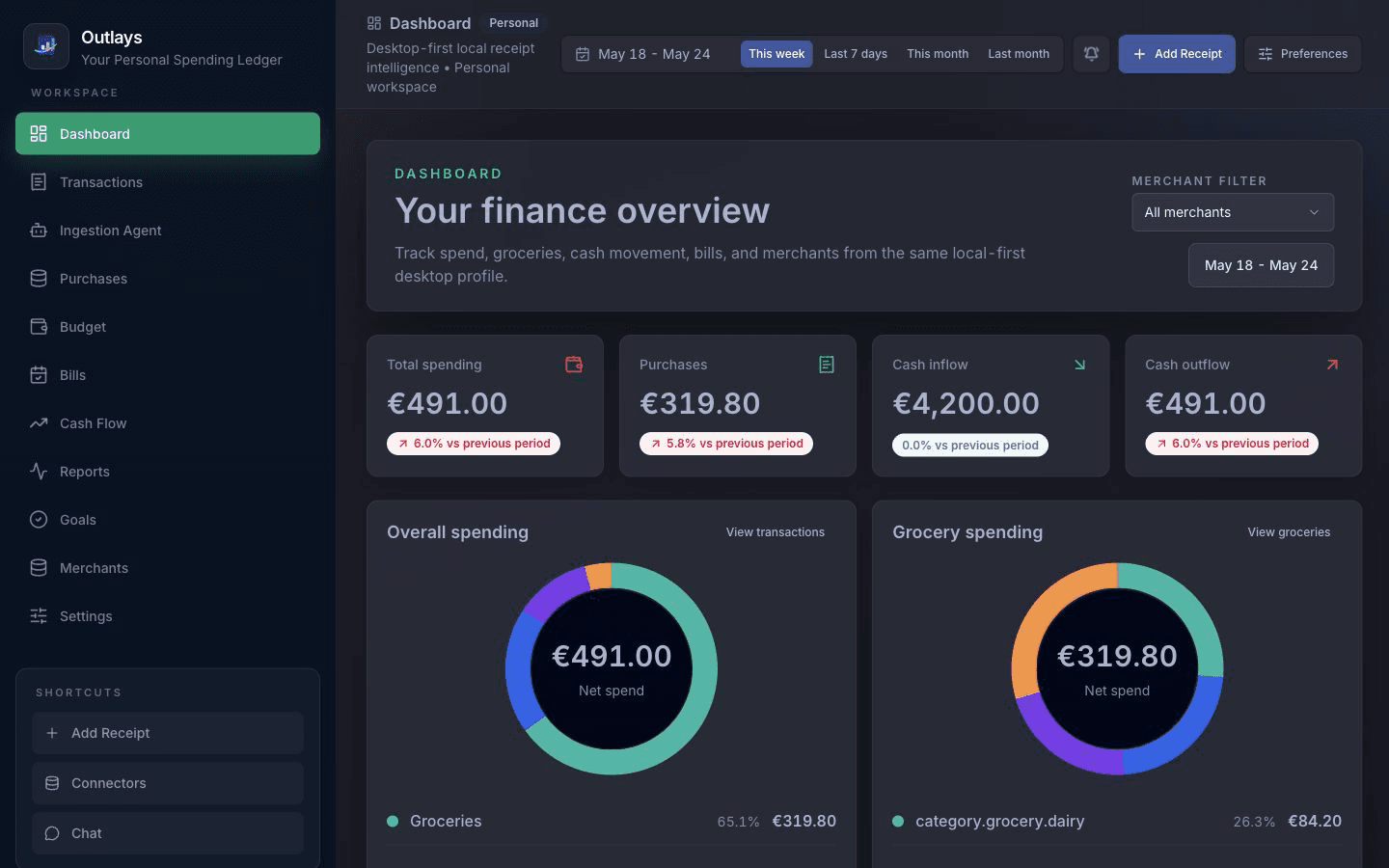
Outlays is not affiliated with Lidl, Amazon, REWE, dm, Rossmann, Kaufland, or other retailers. Connectors only read data the user can access with their own account.
Local-first architecture
The local core processes imports, stores the normalised history, renders dashboards, and creates exports. There is no mandatory Outlays cloud or BluecherLab product account.
Local
Database, receipts, search index, settings, and backups.
Self-hosted
Docker instance for several devices or a home server.
Optional remote
A selected OCR/AI provider for deliberately started tasks only.
Explore the preview
- 01Inspect the demo
Open the read-only demo first and confirm that the terminology and workflow fit.
- 02Review sample data
Open the transactions view, filter the synthetic entries, and open a detail view.
- 03Inspect planned sources
The connectors view shows the intended sync scope without connecting accounts or transmitting data.
- 04Check release status
Source code and signed packages are not public yet. See the release-status page for the current state.
Important concepts
- Source
- A retailer account, file import, or manual input.
- Transaction
- A financial movement with amount, date, merchant, and origin.
- Receipt
- The document and line items explaining a transaction.
- Review first
- Uncertain proposals remain visible until a human confirms them.
Connectors and sources
Every connector has its own data quality and authentication path. Outlays shows installation state, last synchronisation, and limitations for each source.
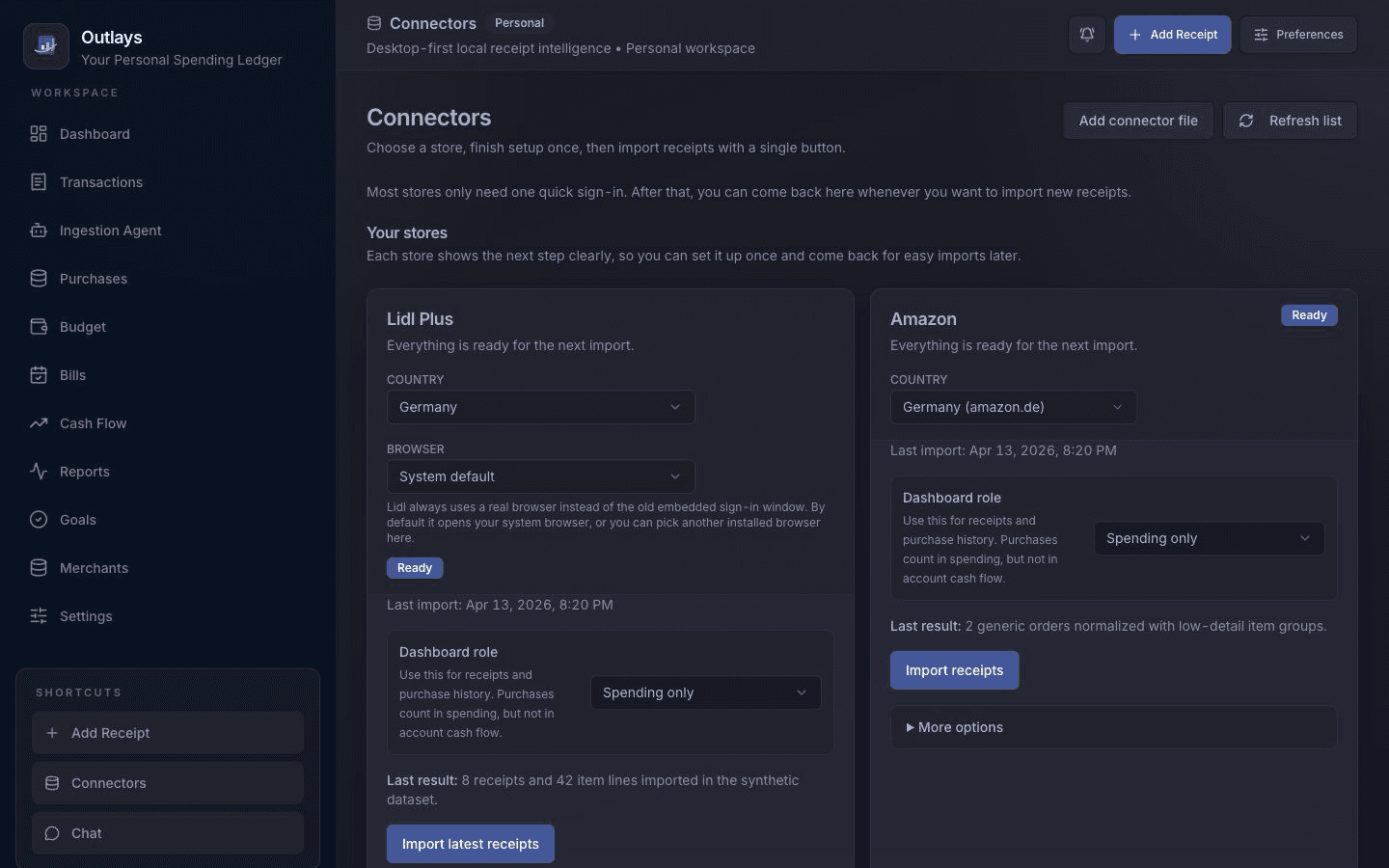
| Source | Access | Data | Note |
|---|---|---|---|
| Lidl Plus | User account | Receipts and items | Often detailed discounts |
| Amazon | Order export | Orders and refunds | Older history may have less detail |
| OCR | Local file | Image or PDF | Review before import |
Scanning and OCR
OCR is a proposal, not truth. Outlays separates the document, extracted text, and derived transaction so every stage remains reviewable.
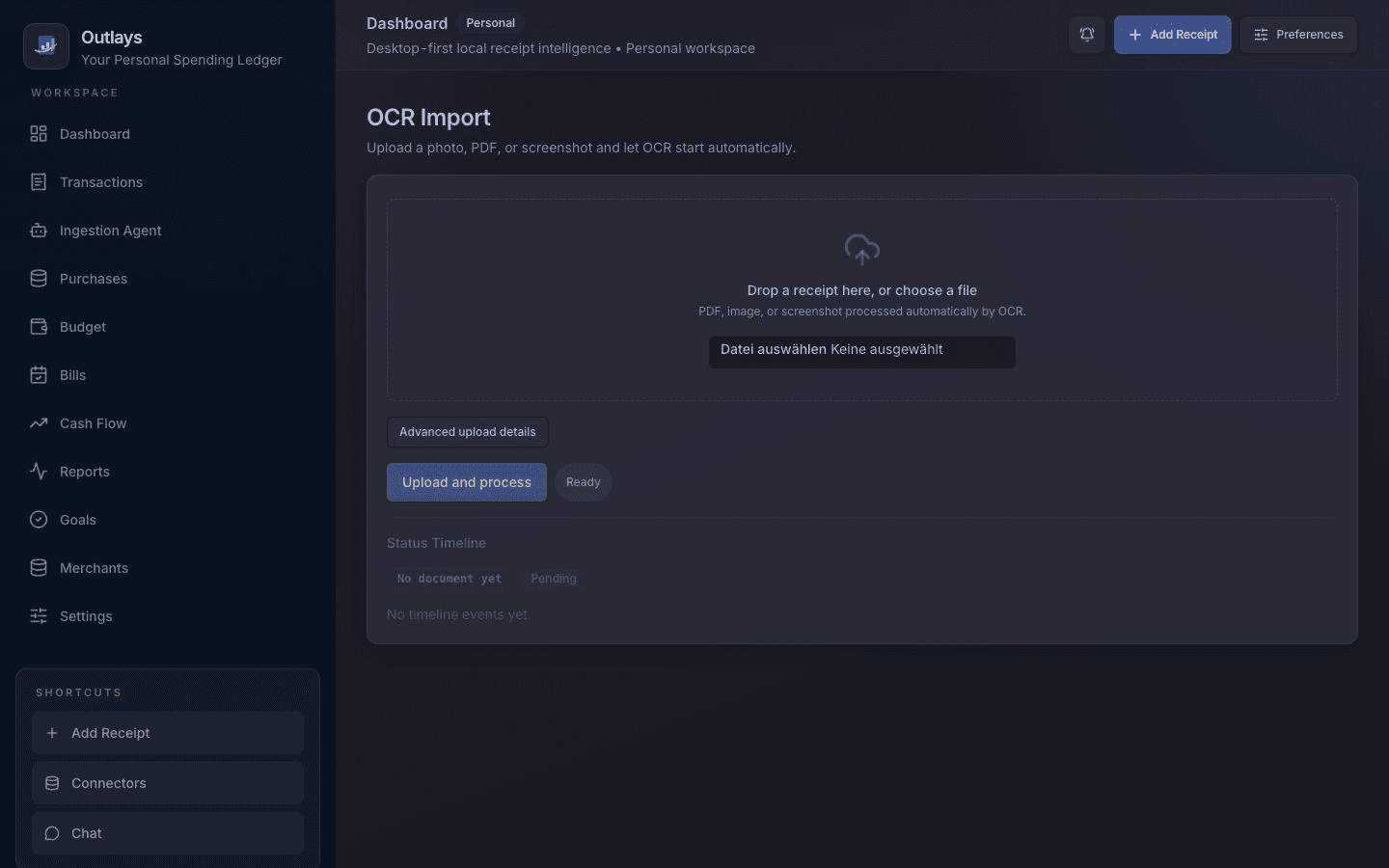
Use local OCR when receipts must not be sent to a remote provider. Remote OCR is subject to that provider’s privacy and retention rules.
AI and the ingestion agent
Outlays can use a local or user-selected compatible provider for chat, categorisation, and ingestion. The user deliberately configures provider, model, and task scope.
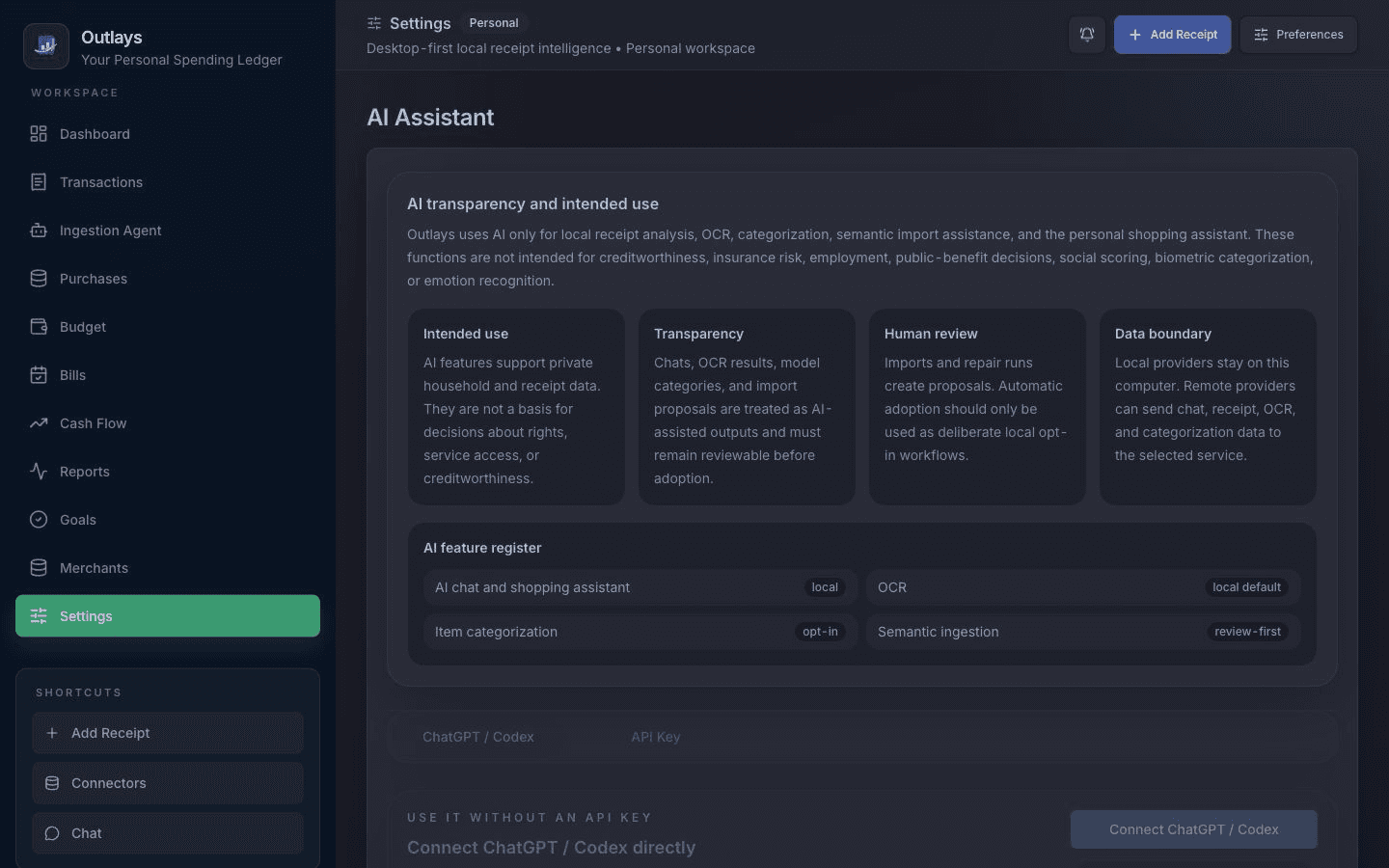
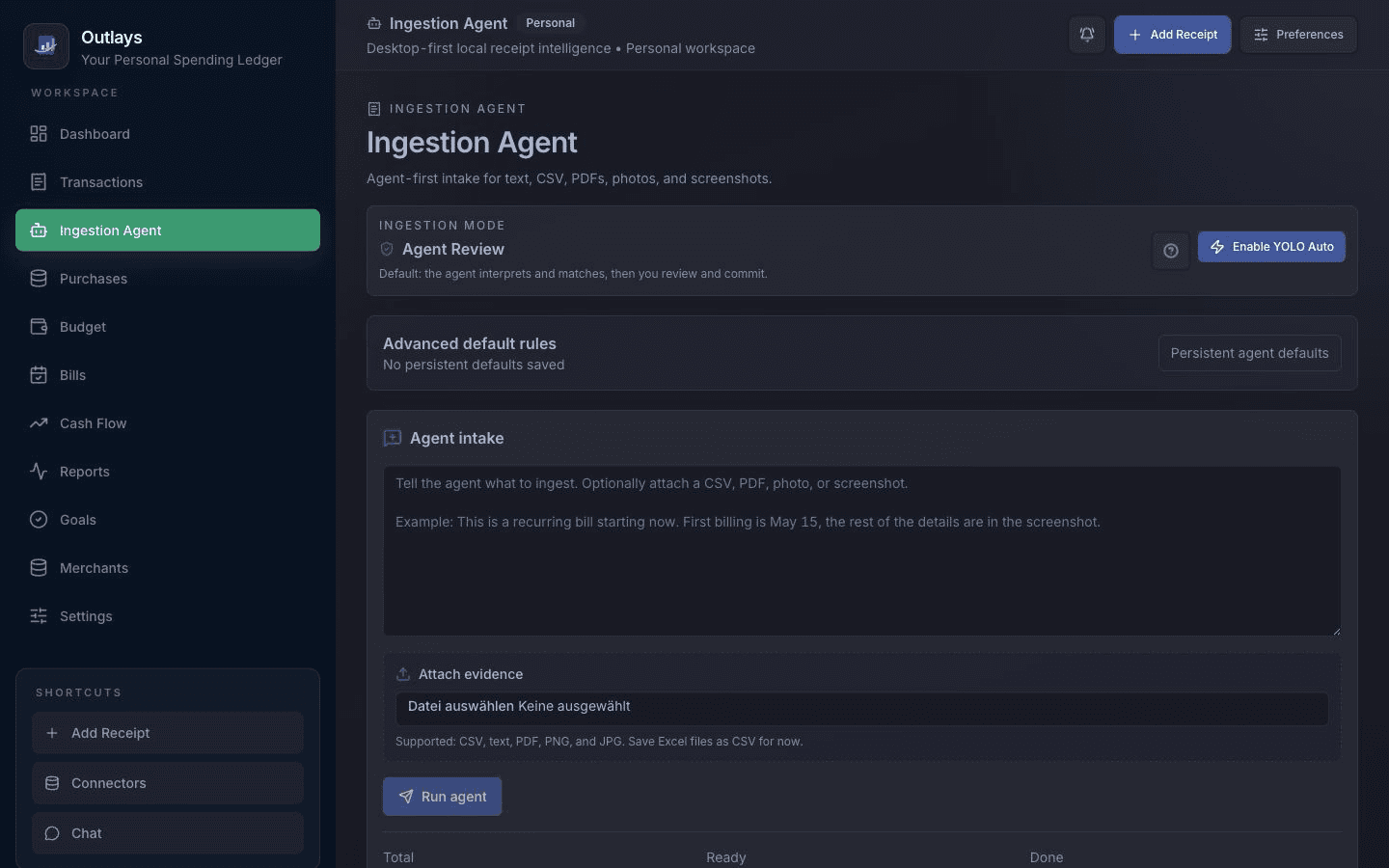
- No automatic transmission without a configured task.
- Prompts may contain receipt snippets, OCR text, and item names.
- Answers are tools, not financial, lending, or insurance decisions.
Review flows
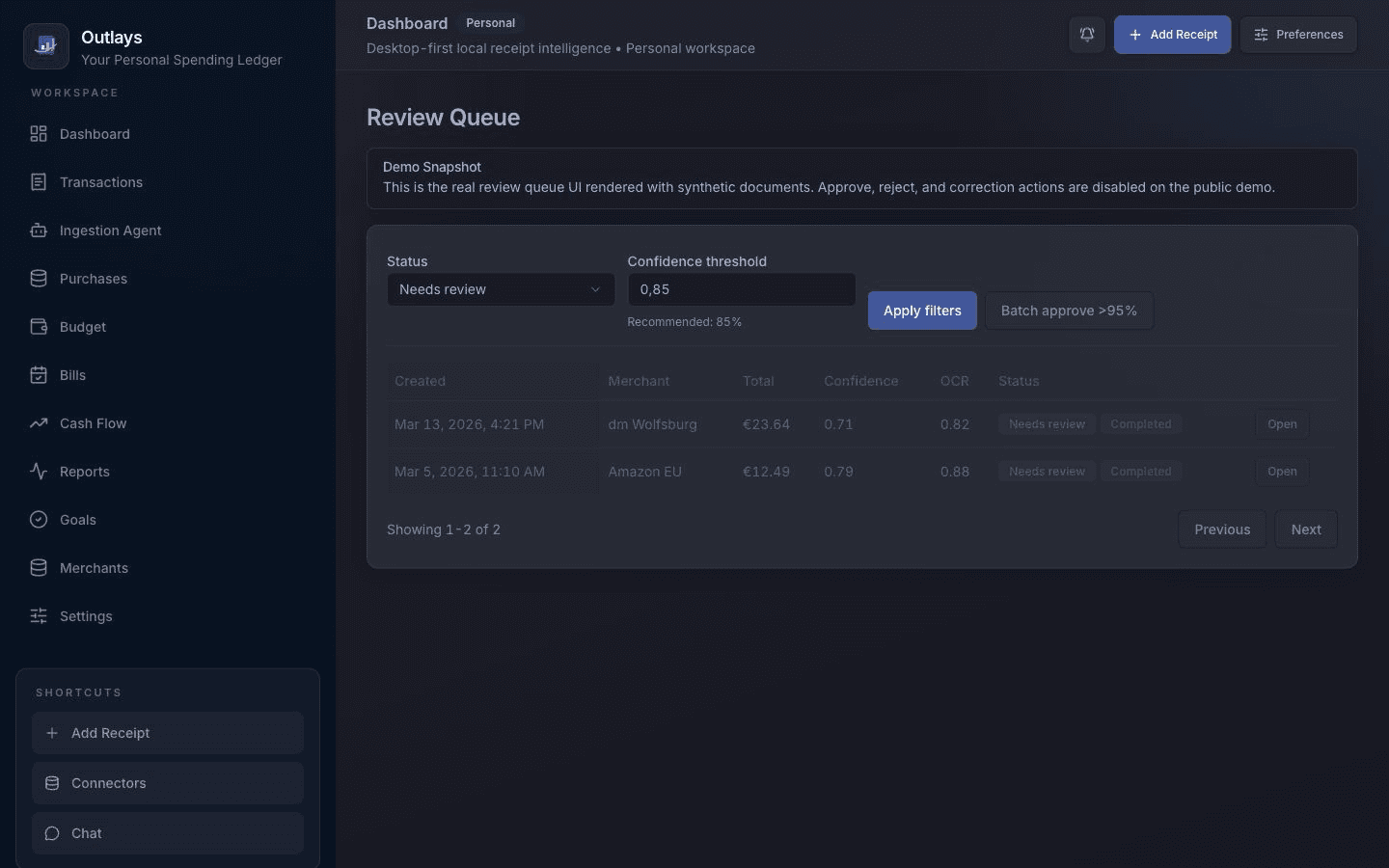
Low OCR confidence, unknown merchants, unusual amounts, and AI proposals can enter one review queue. Each item shows its source, rationale, and proposed change.
Backup and export
Backup
A backup contains the database, relevant receipt files, and configuration—encrypted credentials are handled separately.
Portable export
CSV and JSON keep core information readable and reviewable outside Outlays.
A backup only exists after restore has been tested on a second target.
Privacy boundaries
More detail is available in the privacy policy. Every configured third-party provider also has its own terms.
Frequently asked questions
Does Outlays work without AI?
Yes. Import, storage, search, dashboards, manual review, and export do not depend on an AI provider.
Must I store retailer credentials?
It depends on the connector. Where credentials are needed they are encrypted locally; export or file connectors often need no permanent credentials.
Does the demo contain real data?
No. Names, locations, IDs, receipts, and assistant answers are synthetic and safe for publication.
Is there a mobile app?
A mobile companion is planned but is not public yet. The current focus is desktop and the self-hosted web interface.